Perler bead pattern maker
Your photo. Your beads.A pattern you can make.
Turn your own photo or drawing into an editable perler bead pattern. Check the design, size and bead quantities for free, then buy a printable PDF tutorial with board charts and step-by-step making instructions.
Single PDF $3.99 | No subscription required | Beads and tools sold separately
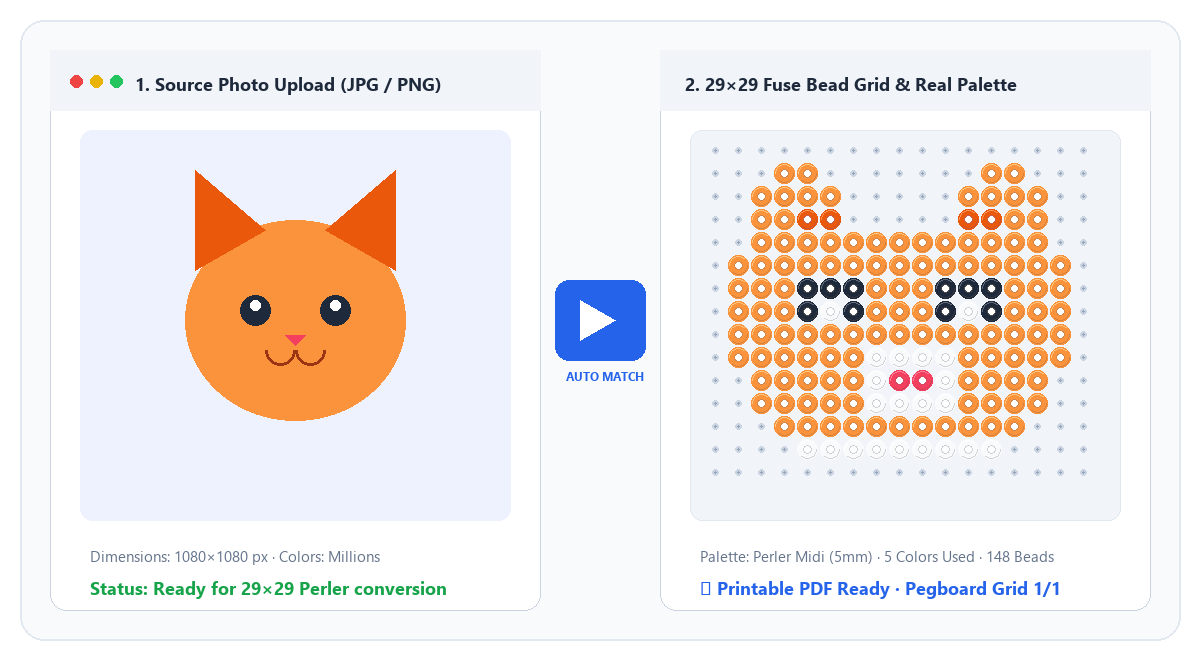
How the perler bead pattern generator works
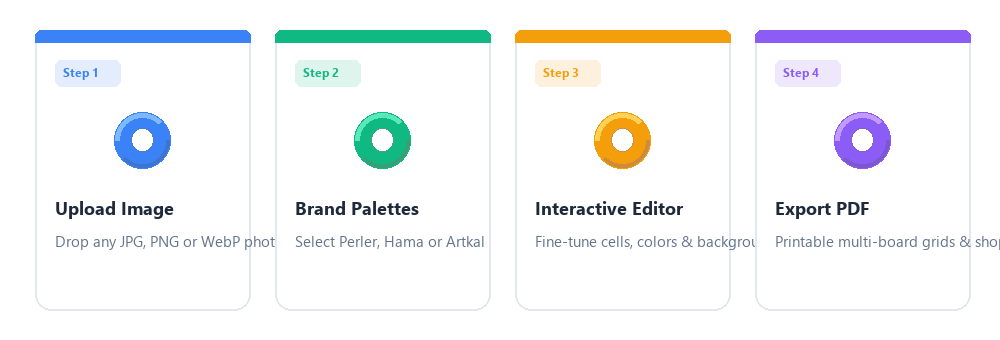
Upload your image
JPG, PNG, or WebP. Pick width in beads (29 per pegboard).
Match bead colors
Switch Perler, Hama, Artkal, or Mini palettes. Limit colors for simpler builds.
Edit every cell
Paint, replace colors, remove background. Undo and redo supported.
Get your making guide
Preview free, then buy your PDF from $3.99. Materials, board charts and instructions included.
Know what to buy. Know where every bead goes.
Whether you need a picture to bead pattern for a gift or printable mini perler bead patterns, preview the grid first and check the approximate brand colors before ordering beads.
- Perler, Hama, Artkal & Mini palettes
- 29×29 pegboard pagination for multi-board designs
- Free watermarked preview — pay only when you export HD PDF
- Single export $3.99 · 10-pack $9.99 · Pro $6.99/mo unlimited
Learn before you build
New to fuse beads? Start with 20 pattern-maker tutorials, browse themed collections, and open template project guides. Classics: photo to perler beads, Perler vs Hama vs Artkal, and ironing steps. Manufacturer care tips also appear on Perler.com.
What would you like to make?
Plan the right photo, size and materials for your project.
Pet portraits
Keep the markings that make your pet recognizable. Start with a close-up, remove a distracting background, and compare bead sizes before committing to the build.
Plan this projectPeople and portraits
A recognizable bead portrait depends on a strong crop and enough room for the face. Test the preview before you pay for the printable instructions.
Plan this projectPersonalized gifts
Start with the object you want to give: a small ornament, a coaster or a framed picture. Its size determines how much detail your image can carry.
Plan this projectThe paid PDF tutorial
Take your design from screen to pegboard
One file to print, follow and keep. Your PDF uses the exact grid and palette you reviewed in the maker.
Create my pattern- Design overview and assembly map. See how the boards fit together.
- Materials and symbol key. Color names, codes and bead counts.
- Enlarged board charts. Coordinates and symbols for each 29 x 29 section.
- Making instructions. Prepare, place, check and finish your design.
Inspect the sample heart PDF. This is a template example, not a photograph of a finished craft. Colors are approximate; confirm your supplier color chart.
Frequently asked questions
Ready to make something personal?
No install. Works in your browser on desktop and tablet.
Upload my image - preview free